

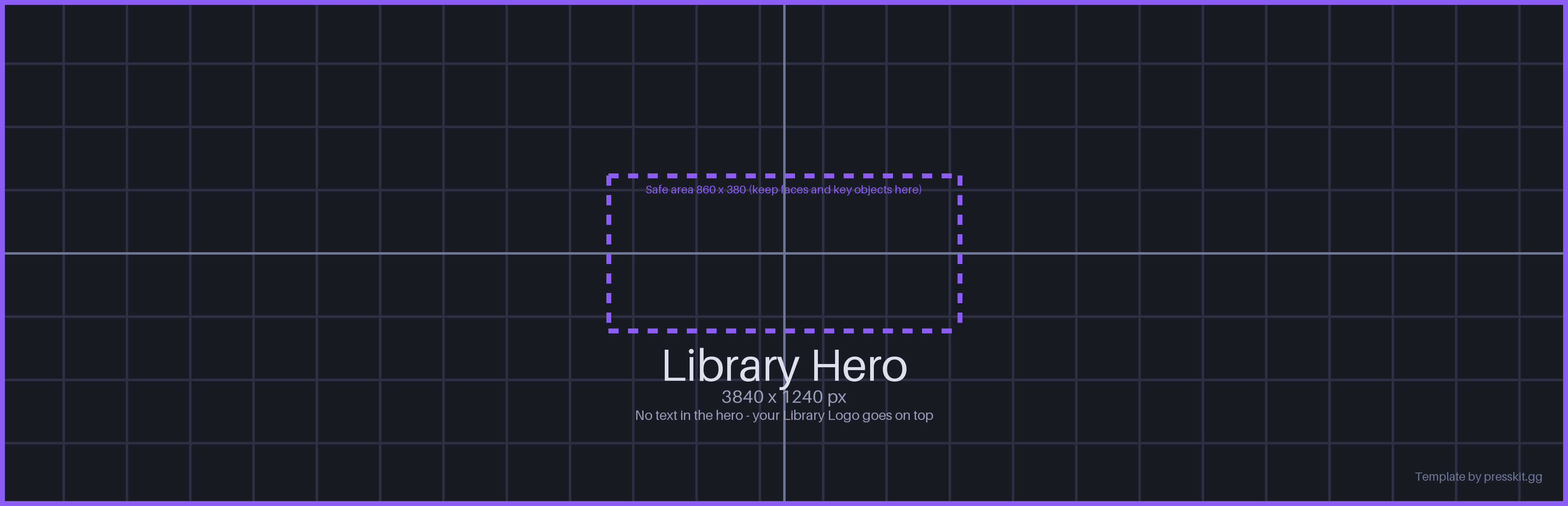
Where the library hero appears
- The top of your game's details page in the Steam library
Valve's rules for the library hero
- It can't contain any text. Your title comes from the separate Library Logo, which Steam layers on top.
- Let the artwork cover the whole 3840 × 1240 canvas.
- Keep critical content inside the 860 × 380 safe area at the center. That area stays uncropped when the Steam window is resized; everything outside it can be cut off.
- Library assets only show once your store page is published.
Source: Steamworks documentation.
Design tips
- Put faces and key objects in the center safe area. A character's face at the edge will get cropped on smaller windows.
- Leave calm space where your logo will go (bottom left or centered), so the logo stays readable.
- Use your widest environment art. Stretching a header capsule this wide looks soft and empty.