When to Create Your Game's Press Kit (And When to Update It)
Create your press kit the day you announce your game publicly. Not a week before launch. Not "when you have time." The day you tell the world your game exists. This is your save point. Everything after this gets harder if you skip it.
TL;DR: Press kit goes live on announcement day. Update at demo release, launch, and after major updates. Creating your press kit the week before launch is the most common mistake. You've already missed months of coverage opportunities by then.
Key Takeaways
- Announcement: 5-8 screenshots, trailer, key art, one-paragraph description, studio info, Steam link.
- Demo/Next Fest: Updated screenshots from current build, demo-specific info, b-roll for content creators.
- Launch: Final trailer, 9-12 screenshots, fact sheet, pricing, review quotes if available.
- Post-launch: Accolades, sales milestones, updated screenshots from content updates, DLC sections.
- Review your press kit quarterly. Things go stale faster than you'd expect.
That timing isn't arbitrary. It comes directly from how the indie game marketing timeline actually works. Journalists and content creators will Google your game within minutes of seeing your announcement. If they find a bare Steam page and nothing else, most will move on to the next game in their inbox. You get one shot at that first impression, and your press kit is a huge part of it.
The Four Milestones
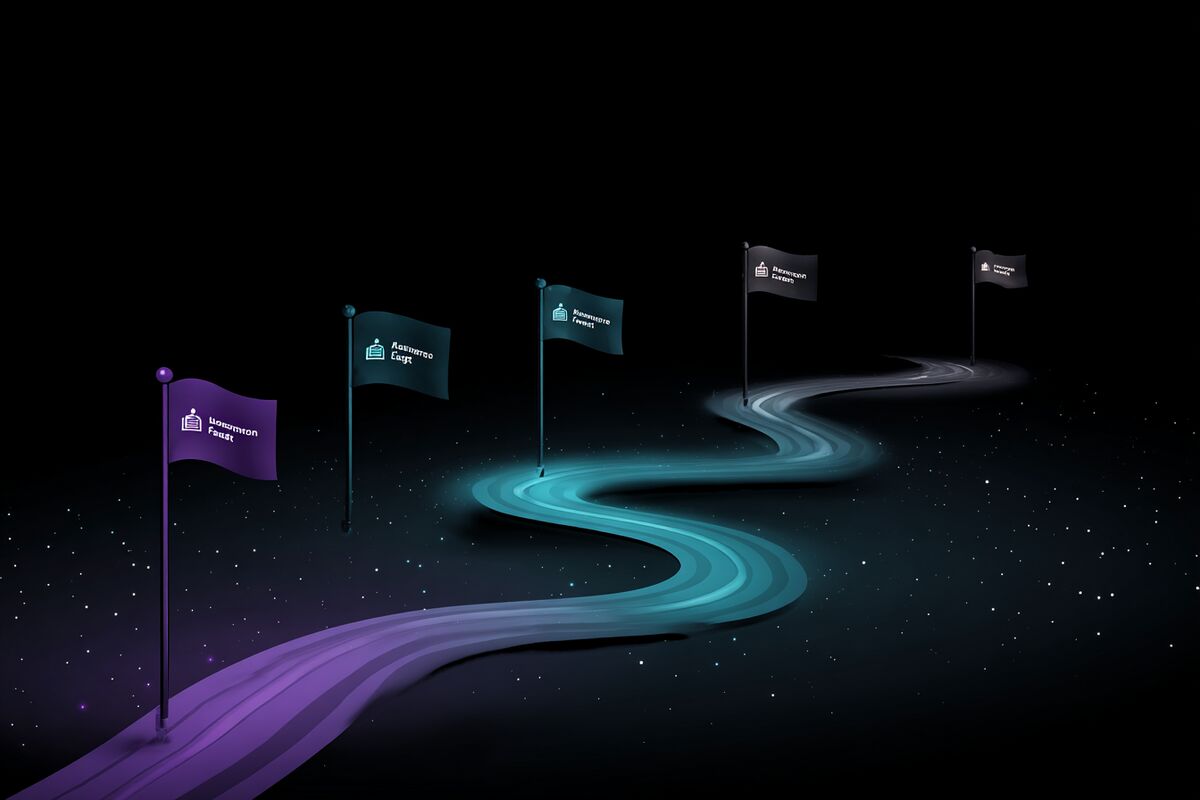
Your press kit isn't a one-time project. It's a living document that evolves with your game across four distinct phases. Each phase has different requirements, different audiences, and different stakes.
Milestone 1: Announcement
This is the minimum viable press kit. You need it live before you post that first Reddit thread or send that first tweet. As our research on whether journalists actually use press kits shows, having one ready makes a real difference in coverage.
What to include at announcement:
- 5 to 8 screenshots showing real gameplay (not concept art, not mockups)
- An announce trailer or a short gameplay clip (even 30 seconds works)
- Key art and capsule images in high resolution, without watermarks
- A one-paragraph game description with your hook front and center
- Studio information including who you are, where you're based, and how to contact you
- A link to your Steam Coming Soon page
That's it. You don't need a full feature list. You don't need review quotes you don't have yet. You don't need b-roll footage or a fact sheet with seventeen bullet points about your engine.
The announcement press kit serves one purpose: give a curious journalist or content creator everything they need to write a short piece about your game in fifteen minutes. Michael Schade from Rockfish Games put it well: "Having a proper press kit shows professional intent, even if it is just a solo dev game." Developers who launch their press kit on announcement day consistently report getting coverage they wouldn't have received otherwise—journalists on deadline don't wait for you to get organized.
If your announcement is coordinated with a showcase event or a press exclusive, the press kit becomes even more critical. Festival organizers and journalists working on embargoed coverage need assets before the public reveal. Having a press kit ready (even if it's password-protected until the reveal date) makes you dramatically easier to cover.
Milestone 2: Demo and Steam Next Fest
When you release a playable demo, your press kit needs an update. This is the phase where content creators become your primary audience, and they have different needs than journalists.
Add to your press kit:
- Updated screenshots reflecting the current build (not the version from six months ago)
- A new trailer if your announce trailer is outdated
- Demo-specific information including where to download it and how long it takes to play
- B-roll footage if you can provide it (30 to 60 seconds of raw, uncut gameplay that YouTubers can use as overlay while they talk)
Steam Next Fest is the single biggest wishlist accelerator most indie devs will encounter. During the fest, content creators are actively searching for games to cover. Chris Zukowski's data from the February 2025 Next Fest showed that content creator coverage drove significant wishlist spikes for participating games. If your press kit doesn't exist or looks outdated during Next Fest, you're leaving wishlists on the table.
One thing content creators need that journalists typically don't: permission clarity. State explicitly in your press kit whether creators can monetize videos of your game. A single sentence like "Content creators are welcome to create and monetize videos featuring our game" removes a friction point that stops some creators from covering you.
Milestone 3: Launch
Launch day is when your press kit gets the most traffic it will ever receive. This is the version that needs to be bulletproof.
Update or add:
- A launch trailer (this replaces or supplements your announce trailer)
- Final screenshots from the release build (at least 9 to 12)
- Updated game description reflecting the final feature set
- Pricing information and launch discount if applicable
- Review quotes if you got press coverage during the pre-launch phase
- High-res logos and brand assets for outlets creating custom thumbnails
- Fact sheet with final details: platforms, release date, price, player count, genre, engine
The difference between a launch press kit and an announcement press kit is depth. Announcement gets people curious. Launch gives them everything they need to make a purchasing recommendation.
If you're sending press outreach emails 6 to 8 weeks before launch (and you should be, per the press coverage guide), your launch press kit should be ready before those emails go out. Don't send a journalist to a press kit that still has placeholder screenshots from your alpha build.
Milestone 4: Post-Launch
This is the milestone most developers skip entirely, and it costs them.
After launch, your game accumulates accolades, player milestones, awards, DLC, content updates, and positive reviews. None of that information magically appears in your press kit. You have to put it there.
Post-launch additions:
- Accolades and awards (Steam awards nominations, festival wins, review scores from publications)
- Sales or player milestones you're comfortable sharing publicly ("Over 100,000 copies sold" or "500,000 players")
- Updated screenshots from major content updates or DLC
- DLC-specific assets with their own section in the press kit
- Post-launch trailer or update trailer
Every major update is a marketing opportunity. When you push a significant content patch and trigger one of your Update Visibility Rounds on Steam, you should also update your press kit. A content creator who covered your game at launch might cover it again for a major update, but only if they can find fresh assets quickly.
How Often to Update
Beyond the four milestones, set a recurring calendar reminder to review your press kit quarterly. Things go stale faster than you'd expect.
Screenshots from an early build look increasingly dated as your art improves. Your game description might not mention features you added three months after announcement. Your contact email might have changed. These small mismatches erode credibility.
A quarterly review takes 30 minutes. Walk through every section of your press kit and ask: does this still represent the game accurately? If the answer is no, fix it. In practice, developers who schedule these reviews find at least one outdated element each time—a changed release window, an old trailer link, screenshots that no longer represent the current build.