


Game Key Art on a Budget: Tools and Techniques
Key art is the single image that represents your entire game.
TL;DR: Key art needs to communicate genre instantly, convey mood, and work at every size from 120x45 thumbnails to full-width banners. You can create it through in-engine rendering with 2D compositing, or commission an artist for $300-800. Design with multiple crop ratios in mind from the start.
Key Takeaways
- Key art is a marketing illustration, not a screenshot or concept art, and it must work at thumbnail and banner sizes simultaneously
- In-engine rendering with dramatic lighting plus 2D compositing in GIMP or Affinity Photo is how many studios create key art on a budget
- Commissioning costs $300-800 for mid-level freelancers who understand commercial art requirements
- Use the "safe zone method": cluster essential elements in the center third so crops don't cut off your protagonist or title
- A $300-500 investment in professional key art is one of the highest-return marketing spends available, right alongside a professional trailer edit It appears on your Steam capsule, your social media headers, your press kit, your booth banner if you exhibit at events, and every piece of marketing material you'll produce. It needs to communicate your game's genre, tone, and visual identity at a glance. And for many indie developers, it needs to do all of this on a budget that wouldn't cover a AAA studio's coffee run.
The good news: excellent key art on a tight budget is absolutely achievable. The path there just looks different than hiring a concept art team. As we covered in the complete trailer and screenshot guide, your visual assets work across every marketing channel simultaneously. Key art might be the hardest-working asset in that set, because it shows up in more places and at more sizes than anything else you'll create.
This guide covers how to produce key art that punches above its budget, whether you render it in-engine, commission an artist, or combine both approaches.
What Key Art Actually Needs to Accomplish
Before you open any software or contact any artist, get clear on what key art is for. It's not a screenshot. It's not concept art. It's not fan art of your own game. Key art is a marketing illustration that does three things at once:
1. Communicates genre instantly. Someone scrolling through hundreds of Steam tiles should be able to glance at your key art and immediately categorize your game. Dark fantasy RPG. Cozy farming sim. Fast-paced roguelike. If your key art requires explanation, it's failing at its primary job.
2. Conveys mood and tone. Key art is emotional shorthand. A warm color palette with rounded shapes says "friendly and approachable." Sharp angles with high contrast and desaturated colors say "intense and challenging." These visual signals prime the viewer before they read a single word of your description.
3. Works at every size. Your key art will appear as a 120x45 pixel thumbnail in Steam search results and as a full-width banner on your store page. It needs to be legible at both extremes. This is the constraint that catches most developers off guard and the one that makes key art genuinely difficult to create.
That third requirement is why capsule art deserves its own discussion, and why the best key art is designed with cropping in mind from the very start.
The In-Engine Approach: Your Game as Its Own Art Department
If your game is visually strong, your engine is the best key art tool you have. You already own it. It already produces images in your game's art style. And nobody will accuse you of misrepresenting the visual experience.
Setting Up a Key Art Scene
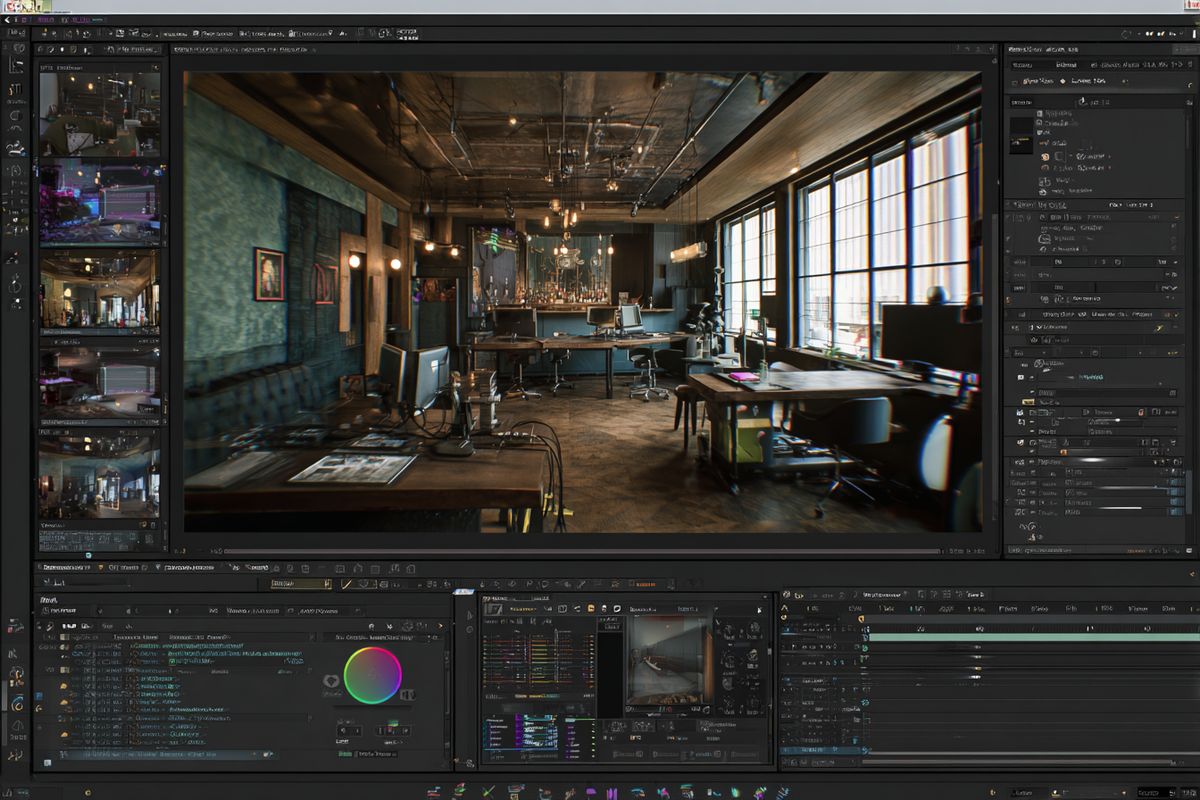
Create a dedicated scene or level in your engine specifically for key art renders. This isn't a playable area. It's a photography studio.
Populate it with your most visually impressive assets. Your protagonist in their coolest gear. Your most interesting enemies or NPCs. Your most striking environmental elements. Arrange them as a composition, not as a gameplay scenario. You're making a poster, not a screenshot.
Lighting is everything. Your gameplay lighting is designed for readability during play. Your key art lighting should be designed for drama. Add fill lights to separate characters from backgrounds. Use rim lighting to create silhouettes. Push contrast higher than your gameplay settings allow. This is the one context where your game gets to show off.
In Unity, the Post Processing Stack and HDRP's built-in effects give you bloom, depth of field, color grading, and lens effects. In Unreal, the Post Process Volume does the same. Crank the cinematic settings up. This is a still image, not gameplay, so performance doesn't matter.
Camera setup matters too. Use a low angle looking up for heroic, powerful compositions. Use a wide field of view for epic scale. Use a narrow field of view with shallow depth of field for intimate character portraits. Experiment with angles you'd never use in gameplay.
Rendering at High Resolution
Your key art needs to survive at sizes from tiny thumbnails to large banners. Render at the highest resolution your engine supports.
In Unity, the Recorder package can capture frames at arbitrary resolutions. Set it to 4K (3840x2160) or higher. In Unreal, the Movie Render Queue with spatial sampling can produce images at resolutions that would make your GPU weep, which is exactly what you want.
If your game is 2D or pixel art, render at your game's native pixel resolution and then scale up using nearest-neighbor interpolation. Don't let image editors blur your pixels. A pixel art game's key art should be crisp at every size.
Compositing in 2D
Take your in-engine render and open it in GIMP (free), Photoshop, or Affinity Photo ($70 one-time purchase). Layer in your game's logo. Adjust color grading. Add subtle atmospheric effects like fog, particles, or light rays that would be expensive to render in-engine but take five minutes in a 2D editor.
This hybrid approach, 3D render plus 2D compositing, is how many studios with actual budgets create their key art. Developers who've shipped multiple games report that this workflow produces results nearly indistinguishable from fully illustrated key art at a fraction of the cost. The render provides the base. The compositing adds polish. You're doing the same thing, just without the team of twelve artists.
Commissioning an Artist: Getting Quality Without Overpaying
If your game's in-engine visuals aren't strong enough for key art (common for early development, programmer art, or highly abstract games), commissioning an illustrator is the right move. And it doesn't have to cost thousands.
Where to Find Artists
ArtStation. The professional portfolio platform. Search by style, medium, or subject. Filter by artists who list their commission status as "open." ArtStation artists range from students to AAA veterans, with pricing to match. For indie game key art, look for artists with game industry credits or fan art portfolios that demonstrate they understand game visual language.
Twitter/X. Many freelance illustrators post commission sheets and availability directly on their profiles. Search for "#commissionsopen" or "#gameartist" and browse portfolios. The advantage here is seeing an artist's recent work and engagement, which tells you about their current output quality and reliability.
Fiverr and similar platforms. Controversial take: Fiverr can work for game key art if you know how to evaluate portfolios and communicate clearly. The floor is low (you'll find $20 offerings that produce $20 results), but artists charging $200-500 on Fiverr often deliver work equivalent to $500-1,000 artists elsewhere. The platform takes a cut, which means the artist is pricing lower to compensate. Evaluate the portfolio, not the platform.
Reddit communities. r/HungryArtists, r/gameDevClassifieds, and r/artcommissions are active marketplaces where artists post portfolios and respond to commission requests. The community self-polices quality to some degree, and you can check an artist's post history for red flags.
Game jams and dev communities. Artists who've participated in game jams understand the constraints of game art in ways that pure illustrators sometimes don't. They know about resolution requirements, cropping, and the difference between pretty art and effective marketing art. Find them in jam Discord servers and indie dev communities.
Pricing Reality Check
Realistic pricing for indie game key art commissions in 2026:
- Student or emerging artist: $100-300. Quality varies widely. Expect to iterate more and provide more direction.
- Mid-level freelancer: $300-800. Solid quality, reliable turnaround, understands commercial art requirements.
- Experienced game artist: $800-2,000. Professional-grade work. Understands crop ratios, capsule art constraints, and how to design for multiple uses.
- Established illustrator with recognizable style: $2,000-5,000+. You're paying for their name recognition and specific aesthetic.
For most indie games, the $300-800 range produces strong results. In practice, developers find that commissioning from artists who specifically understand game marketing (rather than pure illustrators) dramatically reduces revision cycles because they already know about crop ratios and thumbnail legibility. That's the price of a professional piece of art that represents your game across all marketing channels. Compare that to any other marketing spend and it's remarkably cost-effective.
How to Brief an Artist
A good brief makes the difference between getting exactly what you need and playing telephone with revisions for a month. Here's what to include:
The game itself. Send them your game or a demo. At minimum, send a gameplay video, screenshots, and your Steam description. The artist needs to understand your game's world, not just your verbal description of it.
Visual references. Collect five to ten examples of key art you like, from other games or from other media. Identify specifically what you like about each one. "I like the composition of this one, the color palette of that one, and the character pose in this third one." Specifics save time. "Make it cool" doesn't.
Subjects and composition. Who or what should be in the image? Where should they be positioned? Is there a specific scene or moment you want depicted, or is this more of a character poster? Be clear about what's mandatory (your protagonist, your game's title treatment) and what's flexible (background elements, supporting characters, color mood).
Technical requirements. Minimum resolution. Aspect ratio. Whether you need the image to work in multiple crops (you almost certainly do). Whether you need layered files (PSD/Procreate) for future adjustments. Specify all of this upfront. Discovering you need a vertical crop after the horizontal piece is finished leads to awkward conversations and additional charges.
Usage rights. Clarify in writing that you're commissioning this piece for commercial use in marketing your game. Most professional artists understand work-for-hire and commercial licensing, but spelling it out avoids disputes. For key art, you typically want full commercial rights to use the image across all platforms and marketing materials indefinitely.
The Revision Process
Build revision rounds into your agreement upfront. A standard structure:
- Rough sketch/thumbnail: Composition, posing, basic layout. This is where you catch major direction issues. Changes here are cheap.
- Refined sketch: Detailed linework, more defined elements. Changes still possible but increasingly costly.
- Color rough: Basic colors and lighting applied. Major changes after this point mean significant rework.
- Final render: Fully rendered piece. Only minor adjustments should be needed.
Most artists include two to three rounds of revisions in their base price. Additional rounds cost extra. Provide specific, actionable feedback at each stage. "The character's pose feels stiff, could we try something more dynamic with their weapon raised?" is useful feedback. "It doesn't feel right" is not.
Designing for Multiple Crop Ratios
This is where key art gets tricky, and where most indie developers learn an expensive lesson about planning.
Steam alone requires your key art to work in at least four different aspect ratios:
- Header Capsule: 920x430 (roughly 2:1, wide landscape)
- Small Capsule: 462x174 (very wide, almost a strip)
- Main Capsule: 1232x706 (16:9-ish)
- Vertical Capsule: 748x896 (portrait, taller than wide)
Plus your social media needs:
- Twitter/X header: 1500x500 (very wide)
- Discord banner: 960x540 (16:9)
- Instagram post: 1080x1080 (square)
- Press kit hero image: Variable, but often 16:9
One single image cannot work at all of these ratios without planning. If your key art is a wide panoramic scene, the vertical capsule crop will cut off everything interesting. If it's a tight character portrait, the wide capsule crop will be mostly empty background.
The Safe Zone Method
Design your key art at a large resolution (at least 3000 pixels on the longest side) with your most important elements, your protagonist, your title, your central visual hook, clustered in the center third of the image.
Surrounding that center cluster, fill out the composition with supporting elements that can be cropped away without losing the core message. Environmental details, secondary characters, atmospheric effects.
Before finalizing, overlay rectangles representing each target crop ratio onto your key art. Verify that each crop contains the essential elements. If the vertical crop cuts off your protagonist's head or the small capsule crop loses the title entirely, adjust the composition.
This is why experienced key art artists ask about crop ratios during the briefing stage. They design compositions that survive multiple crops from the start, like a secret level that only becomes visible when you approach it from the right angle. Asking for crop-friendly design after the art is finished usually means starting over.
Safe Zone Template
A simple approach: create your master key art at 3840x2160 (16:9). Place your protagonist and title within the center 1500x1500 pixel region. This center block will survive virtually any crop ratio while the surrounding space provides context for wider formats.
For your brand identity, this means your game logo needs to work at small sizes too. A complex, detailed logotype that's legible at 1232 pixels wide might become an unreadable smear at 120 pixels wide. Design or simplify your logo for small capsule use separately.