


TL;DR: Google Drive works for sharing files with journalists who already have your link, but it kills your SEO, offers no analytics, and looks unprofessional. The smart compromise: use a proper press kit page on your domain for discoverability and branding, then link to a Drive folder for bulk asset downloads.
Key Takeaways
- Drive links don't rank in Google, so journalists searching for your press kit won't find it unless they already have the link
- Every backlink to your Drive folder builds Google's authority, not yours, wasting valuable SEO juice
- A proper press kit page provides analytics, branding, structured metadata, and OpenGraph previews when shared
- The smart compromise: press kit page on your domain for discoverability, Drive folder linked as "Download All Assets" for bulk downloads
- Permission issues on Drive folders create friction that can cost you coverage
Martin Robinson, former editor-in-chief at Eurogamer, has said that a well-organized Google Drive folder is a perfectly acceptable way to share press materials. And he's right. For the specific act of getting assets to a journalist who already knows your game exists, a Drive link works fine. Screenshots download. Logos download. The trailer link is there.
But "acceptable to a journalist who already has the link" is a low bar. It answers the narrowest version of the question while ignoring everything else your press kit should be doing. This article is about everything else. For the bigger picture on choosing the right press kit tool, see our marketing tools comparison guide. And for evidence on how journalists actually interact with press materials, check our piece on whether journalists really use press kits.
The Case for Google Drive (Being Honest)
Let's give the Drive approach its due, because it has real advantages.
It's free. 15GB of storage shared across your Google account. For most indie games, that's more than enough for screenshots, logos, key art, and a few GIFs. You're paying nothing.
Everyone knows how to use it. No learning curve. Create a folder, drop files in, organize into subfolders, share the link. Done. The journalist on the other end knows exactly how Google Drive works. No friction.
It's fast. You can have a "press kit" ready in 10 minutes. Create folder. Add screenshots. Add a text document with your game description and contact info. Share link. That's it.
Downloads are reliable. Google's infrastructure is solid. Files download quickly. Zip downloads work. The CDN is worldwide. Nobody's getting a 500 error because your shared hosting ran out of bandwidth.
Journalists can grab individual files. They can preview images before downloading. They can pick the specific screenshots they want instead of downloading a 200MB zip of everything. The file browsing experience is decent.
Some developers extend this approach to Dropbox, which offers similar functionality with slightly nicer sharing UI and public folder features. The arguments for and against are essentially the same.
What Drive Can't Do
Here's where the folder approach falls apart. Not because of what it is, but because of what it isn't.
Drive links don't rank in Google
This is the single biggest problem, and it's not fixable.
When a journalist writes about your game and links to your website's press kit page, that backlink builds your domain's search authority. Developers who've shipped multiple games consistently report that their second and third games benefit from this accumulated domain authority—journalists searching for their studio name find their website, not just scattered Steam pages. Over time, across multiple articles and multiple games, your studio's domain becomes more authoritative. Future pages you publish rank faster and higher.
When a journalist links to a Google Drive folder, that backlink builds Google Drive's authority. Which it doesn't need. Your domain gets nothing.
Worse, Google Drive folders themselves don't appear in search results for queries like "YourGame press kit" or "YourStudio press materials." They're not indexed as web content. A journalist searching for your press kit will find your website, your Steam page, maybe your itch.io page. They won't find your Drive folder unless they already have the link.
This isn't a theoretical concern. Journalists who missed your initial email, who heard about your game through a colleague, or who are writing a roundup months after your launch will search for your press materials. If all they find is a 404 or a generic Steam page, you've lost coverage you didn't even know was possible.
No presentation layer
A Google Drive folder is a file cabinet. That's it. There's no game description displayed alongside your screenshots. No trailer embedded at the top. No factsheet with genre, platform, release date, and player count. No pull quotes from press coverage. No awards section. No studio history.
All of that information might be in a Google Doc inside the folder. But that means the journalist has to open the document, read through it, find the relevant facts, and mentally assemble what a proper press kit would present on a single page. You're making them do the work. Journalists working on deadline don't do optional work.
A properly built press kit page presents everything in a structured layout: factsheet on the left, description and trailer at the top, screenshots in a grid, assets as a zip download, contact info at the bottom. The journalist scans, grabs what they need, and moves on. A folder full of files requires assembly.
No analytics
You have no idea who's looking at your press kit. You can't see which screenshots get downloaded most. You can't see traffic spikes after a YouTube creator mentions your game. You can't see which countries your press interest is coming from. You can't see anything at all.
Google Drive's sharing page shows you nothing useful about visitor behavior. With a proper press kit page on your own domain (running Google Analytics or a privacy-friendly alternative), you get data that helps you make decisions. Which screenshots resonate? Should you localize for that market? Did that press email blast actually drive visits?
With a Drive folder, you're flying blind. It's like playing a strategy game with the fog of war covering the entire map, permanently.
No branding
A Google Drive folder looks like a Google Drive folder. It has Google's header, Google's fonts, Google's color scheme. Your studio's visual identity is nowhere. Your logo might be a file inside the folder, but it's not displayed as part of the experience.
This matters because press kits are often the first impression a journalist has of your studio's professionalism. A branded, well-designed press kit page says "this team takes their marketing seriously." A Drive folder says "this team threw some files in a shared link." The content might be identical, but the signal is different.
No structured metadata
A press kit page can include OpenGraph tags so that when someone shares the link on Twitter, Discord, or Slack, it shows a preview image, your game's title, and a description. A Google Drive link shared on social media shows... a Google Drive icon and a generic "Google Drive" label. Sometimes it shows the folder name. Sometimes it shows nothing useful.
If a journalist or content creator shares your press kit link somewhere public, that share either works as mini-advertising for your game (with a proper page) or as a dead-looking link (with Drive).
Permissions can break
Google Drive sharing permissions are famously finicky. What tends to happen in practice is that developers set "Anyone with the link" once and assume it works forever, only to discover months later that a permission change somewhere broke access for everyone trying to reach their materials. "Anyone with the link can view" should work. Usually does. But occasionally a journalist clicks your link and gets "You need permission to access this file. Request access." Maybe you changed a setting by accident. Maybe Google's sharing propagation is slow. Maybe the journalist is logged into the wrong Google account.
Every friction point between a journalist and your assets is a chance for them to give up and write about a different game instead. A web page hosted on your domain doesn't have permission issues.
The "Dropbox Is Better" Argument
Some developers prefer Dropbox for press materials, and it does have a few advantages over Drive. Dropbox file previews are slightly better. The sharing interface is cleaner. You can create a "branded" Dropbox link on higher tiers.
But the fundamental problems remain. No SEO value. No presentation layer. No analytics. No control over the experience. Dropbox Plus costs $12/month, and for that money you could have WordPress hosting with a full press kit plugin that actually builds your domain authority.
The Smart Compromise
Here's the approach that actually makes sense: use both, but for different purposes.
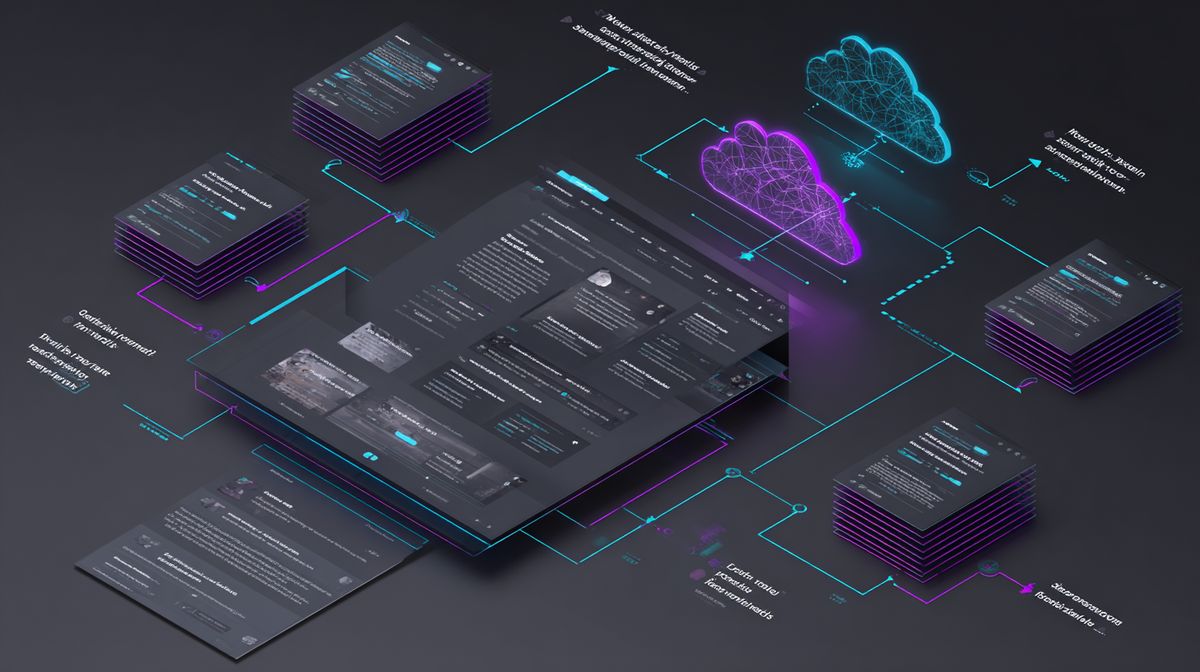
Your press kit page is the public face. It lives on your domain. It has structured content: factsheet, description, trailer, screenshots, logos, contact info. It's what you link in press emails. It's what journalists find when they search for your game. It's what ranks in Google. It builds your SEO over time. This is what tools like presskit.gg or Press Kitty are for.
A Drive/Dropbox folder is the asset dump. High-resolution screenshots at full quality. Logos in every format (PNG, SVG, EPS). Key art with and without logo. GIFs. B-roll footage. Fan kit materials. Anything that's too large or too numerous for your press kit page. Your press kit page links to this folder as a "download all assets" option.
This compromise gives you the best of both approaches. The press kit page handles discoverability, SEO, branding, and first impressions. The Drive folder handles bulk file distribution. They complement each other instead of competing.
Your press kit page should include a prominent "Download All Assets" button that links to the Drive folder. The journalist gets the professional experience of a proper press kit page and the convenience of a Drive folder for grabbing files. Everyone wins.