


How Steam's Wishlist System Actually Works (Technical Deep Dive)
What does a Steam wishlist do? Adding a game to your Steam wishlist saves it to a list on your account and tells Steam you want to hear about it. Steam then notifies you by email and in the Steam app when the game launches, leaves Early Access or goes on sale for 20% or more, and when a demo comes out if the developer sends that notification. For developers, every wishlist is a person who gets that launch notification, and a signal that helps Steam decide how visible the game is around launch.
TL;DR: Steam sends wishlist emails on four triggers: launch, EA-to-full-release, 20%+ discounts, and demo release. There's a two-week cooldown between emails. Only 60-75% of your wishlist actually receives notifications (email verification + preferences). The Popular Upcoming threshold is roughly 7,000 wishlists accumulated within a compressed timeframe.
Key Takeaways
- Four email triggers: product launch, EA-to-1.0 transition, 20%+ discounts (8+ hours, affects lowest-priced package), and demo release (manually triggered)
- Two-week cooldown between emails per user, extending to 3-4 weeks during major sales
- Only 60-75% of wishlisters actually receive notifications due to email verification and preference settings
- Wishlists don't directly feed the recommendation algorithm, but velocity signals external validation that triggers algorithmic favor
- The demo notification requires manual activation on your demo's Steamworks landing page within two weeks of release
Most developers know that wishlists matter. Fewer understand the actual machinery behind them. Time to look under the hood. The wishlist system is more than a "remind me later" button. It's an email marketing platform, a visibility signal, and a behavioral dataset, all rolled into one.
This guide is the technical companion to our complete wishlist-building strategy guide. Where that article covers the "what to do," this one covers the "how it works under the hood." If you're making decisions about launch timing, discount strategy, or demo releases, you need to understand these mechanics.
What Happens When Someone Clicks "Add to Wishlist"
When a logged-in Steam user clicks the wishlist button on your store page, several things happen simultaneously. The user's account stores a reference to your AppID with a timestamp. Your Steamworks dashboard increments the wishlist count (data lags by roughly one day). The user's Discovery Queue and recommendation feeds register this as a signal of interest in your game's tags. And your game becomes eligible to appear in the "Popular Upcoming" section if accumulation velocity is high enough.
From the user's side, they can sort and filter their own wishlist. That organizational data isn't exposed to you. You see a number going up or down.
The Four Email Notification Triggers
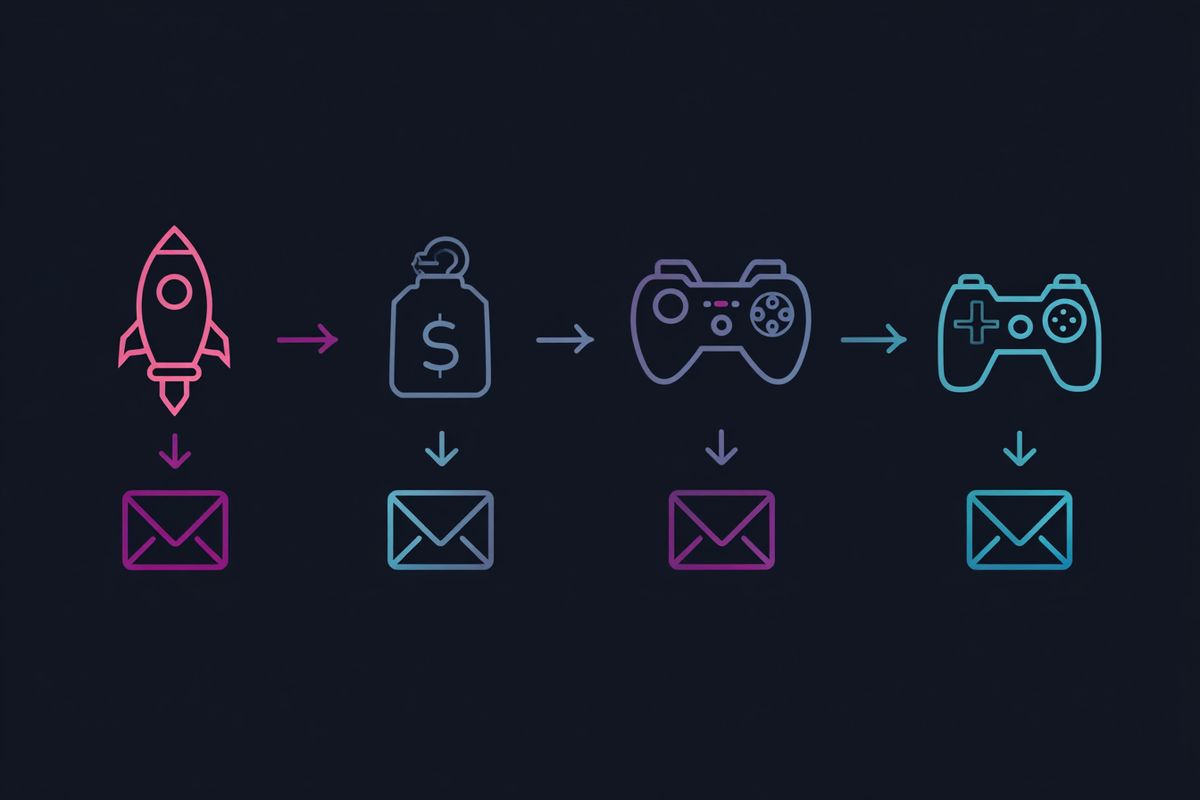
This is the core of the system. Steam sends email (and mobile push) notifications to wishlisters under exactly four conditions. Each has specific rules.
1. Product Launch (Release or Early Access)
When you press the release button, Steam fires off emails and push notifications to every wishlister with a verified email and enabled notification preferences. This is automatic. You don't press a separate button. The moment your game transitions from "Coming Soon" to "Available," the emails start going out.
If you launch into Early Access first, that counts as your launch notification. When you later transition from Early Access to Full Release, a second round of emails goes out. This is effectively a second launch. Developers sometimes underestimate how valuable this is. It's another free email blast to your entire wishlist, potentially months or years after the first one.
2. Promotional Discounts (20% or Greater)
Any discount of 20% or more triggers a wishlist notification email. The type of discount doesn't matter. Weeklong deals, seasonal sale participation, Daily Deals, custom configured discounts, they all qualify as long as they hit the 20% threshold.
There are three additional requirements that trip people up:
- The discount must affect your lowest-priced package. If you have a Standard Edition at $20 and a Deluxe at $30, discounting only the Deluxe won't trigger emails. You need to discount the Standard too.
- The discount must run for at least 8 hours.
- If the email gets stuck in the queue for over a week (rare, but possible during massive sale events), Steam stops trying to send it.
This is your long-tail conversion engine. Every time you discount at 20% or more, you're re-engaging a chunk of your wishlist. This is why the "discount staircase" strategy exists: progressively deeper discounts over time, each one pulling in a new slice of buyers who were waiting for the right price.
3. Demo Release
You can send one notification to wishlisters when you make an associated free demo publicly available. Unlike the other triggers, this one is under your manual control. After your demo goes live, you'll see a button on your demo's app landing page in Steamworks. You have up to two weeks after the demo release to push that button.
Timing matters here. If you're participating in Steam Next Fest, you might want to time your demo notification to coincide with the festival start for maximum impact. Or you might want to send it a week before to build momentum going in. LORT's team pushed the email button immediately at their demo launch two weeks before Next Fest, and later wondered if saving it for Day 1 of the festival would have been smarter. There's no clear consensus.
4. Early Access to Full Release Transition
This deserves its own section because developers often forget about it during planning. The EA-to-1.0 transition fires a second full notification blast. If you've been in Early Access for a year and accumulated additional wishlists during that period, those people get notified too. It's a genuine second launch window.
Games like Hades and Satisfactory have demonstrated how powerful this transition can be. The notification goes to your entire current wishlist, not just people who wishlisted before EA launch.
The Two-Week Cooldown
Steam enforces a cooldown of approximately two weeks between emails about the same AppID. If a user received a notification about your game on January 1st, they won't receive another one until roughly January 15th, regardless of how many qualifying events happen in between.
During high-traffic periods like the Steam Summer Sale or Winter Sale, this cooldown can extend further. Valve hasn't published exact numbers for extended cooldowns, but developers have reported gaps of three to four weeks during major sales.
The practical implication: don't stack notification-triggering events within two weeks of each other. What developers who've tested this extensively report is that the cooldown window is more like three weeks in practice during high-traffic periods, so building extra buffer into your planning is wise. If your game launches on June 1st, don't plan a 25% discount for June 10th. Those emails will get swallowed by the cooldown. Space your events at least three weeks apart, and during sale seasons, give yourself a full month of buffer.
Who Actually Receives These Emails
Not every wishlister gets every email. Two filters reduce your effective reach:
Email verification. Users must have a verified email address linked to their Steam account. Most active users do, but some percentage of wishlists come from accounts with unverified emails. These people will never receive your notifications.
Customer email preferences. Users can configure which types of emails they receive by going to Account Details and selecting "Manage Email Preferences." Some users turn off wishlist notifications entirely. Others disable specific categories. You have no visibility into what percentage of your wishlist has opted out.
Valve doesn't share exact deliverability numbers publicly. Based on developer reports across the HTMAG Discord and various GDC talks, the effective reach is roughly 60 to 75% of your total wishlist count. That means if you have 10,000 wishlisters, somewhere between 6,000 and 7,500 will actually receive the email. Plan your revenue projections accordingly.
Your Wishlist Data in Steamworks
Steamworks gives you several ways to slice your wishlist data. Knowing where to find it (and what it means) saves you from building elaborate tracking spreadsheets that duplicate data you already have.
The Wishlist Dashboard
Navigate to your app's detail page on the Sales & Activation Reports Portal. The "Wishlists" section tracks three metrics daily:
- Additions: New wishlists per day.
- Purchases: Wishlisters who bought your game (which automatically removes it from their list).
- Deletions: Wishlisters who manually removed your game without buying.
Data updates daily for the previous date. If it's March 2nd, you can see data through March 1st.
Regional Data
The "Regional Sales Report" section breaks down wishlist numbers by country and region. This data is gold for localization decisions. If 15% of your wishlists come from Germany and your game has no German translation, that's a concrete business case for localization. Steam is more likely to show your game to users who speak languages your game supports, so adding a translation can unlock visibility in that region.
Email Campaign Tracking
After any wishlist notification goes out, you can track its performance in two places:
- Traffic Breakdown (under Marketing & Visibility): Shows visits to your store page that originated from wishlist emails.
- Wishlist Breakdown (on the financial reporting site, scroll to the bottom): Shows emails sent during a selected time period and their conversion rates.
This lets you compare the effectiveness of different notification events. Did your launch email convert better than your first sale email? Did the demo notification drive more traffic than the Winter Sale discount? The data is there.
Free Tool: Revenue Calculator — Estimate your revenue at different price points and discount levels. Runs in your browser, no signup required.