


TL;DR: Half of key requests from unknown sources are fake. Red flags: Gmail from someone claiming outlet affiliation, brand-new YouTube channels, websites with no real content. Verify legitimacy before sending. Track every key in a spreadsheet or Keymailer. Generate 100-200 keys before launch, with a 20% buffer.
Key Takeaways
- Misallocated keys cost real money: 100 keys at $20/game is $2,000 in potential lost revenue, plus resale on gray market sites
- Red flags: Gmail/Yahoo when claiming outlet affiliation, under 100 subscribers, brand-new websites, vague "I'm a content creator" requests
- Verification: check outlet staff pages, search for bylines, verify email domains, cross-reference social media
- Track everything: name, email, outlet, verified status, key sent, date, coverage published
- Generate keys in batches: 20-50 before demo/Next Fest, 100-200 before launch, 20% buffer for late requests
You send out your first press email. Within 48 hours, you get 30 key requests. Exciting, right? Then you check. Half of them are from email addresses you've never seen. Their "outlet" is a YouTube channel with 12 subscribers and no videos. Or a website that's a WordPress template with three posts, all published yesterday. Or a Gmail address claiming to be from a major outlet but without any verifiable connection to it.
Welcome to the world of key fraud. It's the escort mission of indie game marketing and about as fun as you'd expect. It's one of the less glamorous aspects of getting press coverage for your indie game, but managing it well protects your revenue, your key allocation, and your relationships with legitimate press.
This guide covers how to spot fakes, verify legitimate requests, set up a tracking system, decide how many keys to generate, and follow up on coverage after keys go out.
Why Key Management Matters
Steam keys cost you nothing to generate but represent real revenue. Every key redeemed is a copy of your game that didn't go through a purchase. For a $20 game, 100 misallocated keys is $2,000 in potential lost revenue. Scale that up and the numbers get uncomfortable fast.
Beyond the direct cost, mismanaged keys create secondary problems:
Keys resold on gray market sites. Fraudulent requesters often sell keys on platforms like G2A or Kinguin. This undercuts your pricing and puts money in someone else's pocket. Mike Rose of No More Robots has spoken publicly about finding keys from press batches listed on resale sites within days of distribution.
Tracking becomes impossible. If you can't track which key went to which person, you can't measure your PR effectiveness. You can't tell which outlets covered you versus which ones took a key and vanished.
It poisons the well. Developers who get burned sometimes overcorrect by making their key request process so cumbersome that legitimate journalists give up. The goal is easy for real press, difficult for fakes.
Red Flags for Fake Key Requests
After processing hundreds of key requests across multiple projects (and talking to other developers who've done the same), clear patterns emerge. What developers consistently report is that roughly half of unsolicited key requests from unknown sources are fraudulent—verification isn't paranoia, it's standard practice. Here's what to watch for.

The Email Itself
Gmail/Yahoo/Hotmail from someone claiming outlet affiliation. A journalist at PC Gamer will email you from an @pcgamer.com address, not pcgamerjournalist2024@gmail.com. Freelancers are the exception here (they use personal addresses), but freelancers should be able to point you to published bylines.
Vague or missing information. "Hi, I'm a content creator and would love a key for your game" with no links, no channel name, no specifics. Legitimate press and creators include their outlet, their name, and usually a link to their work.
Copied template language. Some fake requesters use identical language across dozens of requests. If the email reads like a fill-in-the-blank template with your game name slotted in, be skeptical.
Urgency without context. "I need a key ASAP for a video going live tomorrow" from someone you've never heard of is almost always fake. Real creators don't pressure developers on day one.
The Outlet or Channel
Brand-new YouTube channels. Under 100 subscribers, no videos or a handful of low-effort videos posted recently. Some fraudsters create channels specifically to request keys, with plans to resell rather than create content.
Websites with no real content. A WordPress blog with 2-3 generic articles, stock photos, and no social media presence. Takes about 20 minutes to set up and costs nothing. If the "outlet" has no history before this week, it's not an outlet.
Subscriber/follower counts that don't match engagement. A YouTube channel with 50,000 subscribers but 30 views per video likely bought followers. Check the ratio. Legitimate channels with 50,000 subscribers typically get at least a few thousand views per video.
No coverage of similar games. If someone claims to cover indie RPGs but their channel is entirely Fortnite clips and unboxing videos, the request doesn't add up.
The Person
No online presence outside the request. Google their name plus "games" or "reviews." If nothing comes up, that's a warning sign. Active journalists and creators have a discoverable trail of work.
Mismatched identity. The name on the email doesn't match the name on the channel they link. Or the email domain doesn't match the outlet they claim to represent.
Verification Methods That Work
You don't need to be paranoid, but you do need a process. Here's a practical verification workflow.
For Traditional Press
- Check the outlet's staff page. Does this person actually work there? Many outlets list their writers.
- Verify the email domain. An email from @outlet.com is a strong signal. If it's a personal email, proceed to step 3.
- Search for their byline. Google "[name] [outlet]" and look for published articles. Freelancers should have bylines at the outlet they mention or at similar outlets.
- Cross-reference social media. Check if their Twitter/Bluesky profile confirms their role at the outlet.
For Content Creators
- Visit the channel. Check subscriber count, view counts, upload frequency, and content type. Do they actually cover games like yours?
- Check channel age and consistency. A two-year-old channel with regular uploads is more trustworthy than a two-week-old channel with three videos.
- Verify the email matches. The email in the request should match the business email on their YouTube/Twitch about page. If it doesn't, ask why.
- Look at their community tab or social media. Active creators have engaged audiences. Comments on videos, community posts, social media interactions.
For Borderline Cases
Some requests fall in a gray area. The channel has 500 subscribers but uploads consistently and covers your exact genre. The journalist is new to the beat but has a verified outlet email.
My general rule: if someone is genuinely trying to build an audience in your genre, a key is a reasonable investment. In practice, developers who've supported small creators early report that these relationships often become their most valuable coverage sources as those creators grow. A 500-subscriber channel that covers narrative adventure games and puts out quality videos will grow. Supporting them early builds a relationship. The cost is one key. The potential upside is a dedicated advocate for your game who remembers you helped them when they were small.
That said, set a floor. Below 100 subscribers or followers with no meaningful content history, it's reasonable to politely decline or ask them to follow up when they've published more content.
Systems for Tracking Keys
You have two main options: spreadsheets and dedicated platforms.
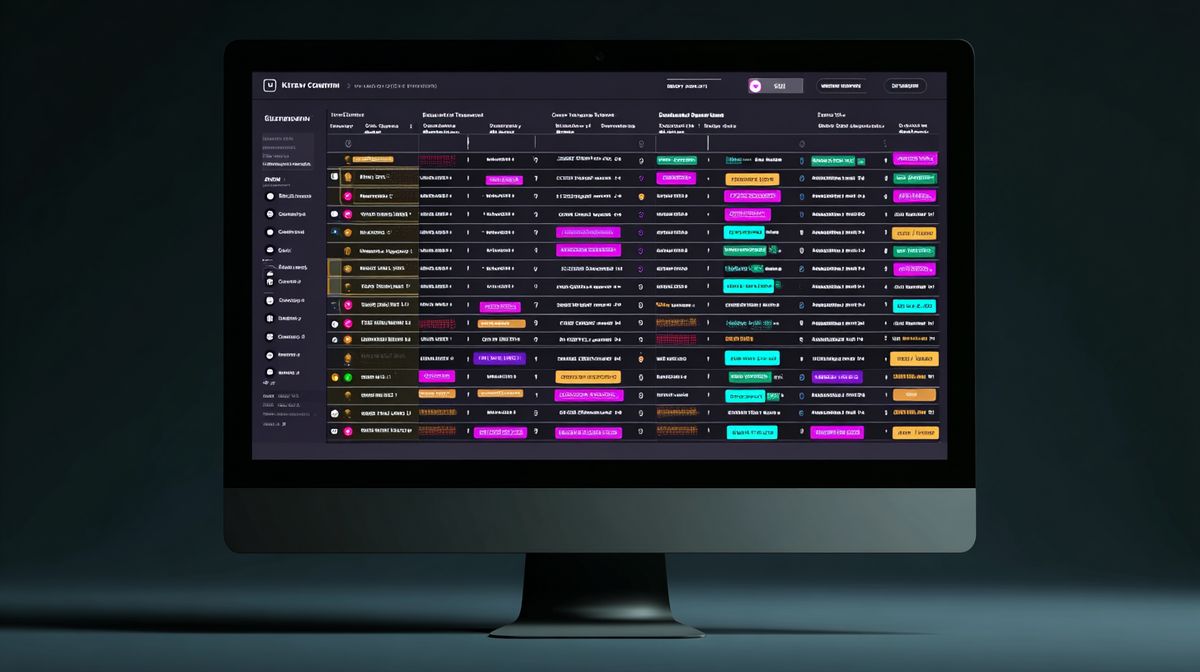
The Spreadsheet Approach
Google Sheets works fine for games with moderate press interest (under 200 key requests). Structure it like this:
| Column | Purpose |
|---|---|
| Requester Name | Who asked |
| Contact address | |
| Outlet/Channel | Where they publish |
| Type | Press / YouTuber / Streamer |
| Platform | Steam / Switch / PS5 / Xbox |
| Verified | Yes / No / Pending |
| Key Sent | The actual key |
| Date Sent | When you sent it |
| Key Redeemed | Yes / No (check via Steamworks) |
| Coverage Published | Link to article/video if applicable |
| Notes | Any relevant context |
Generate keys in batches through Steamworks (or the equivalent for your platform). Paste them into a separate tab, then assign them one by one as requests come in. Never send untracked keys.
The downside of spreadsheets: they require discipline. If you're sloppy about updating them, you lose the tracking benefit. If multiple team members handle key requests, version conflicts become a headache.
Dedicated Platforms
Keymailer. The most widely used key management platform for games. Journalists and creators sign up, verify their identity, and request keys through the platform. You approve or decline requests with verification data in front of you (subscriber counts, recent content, platform reach). Keymailer handles the distribution and provides analytics on coverage.
Terminals.io. Similar to Keymailer. Includes a built-in creator database and coverage tracking. The interface is clean and it handles multi-platform key distribution.
presskit.gg key request feature. If you're using presskit.gg for your press kit, the built-in key request system lets journalists request keys directly from your press page. This integrates your press kit and key management into one workflow.
For most indie developers, Keymailer or a similar platform makes sense if you expect more than 50-100 key requests. Below that, a spreadsheet is fine. The important thing is having a system, not which system you pick.