


How to Build a Demo That Sells Your Game
TL;DR: Your demo is a sales pitch, not a chunk of your game. Keep it 15-30 minutes, end on a cliffhanger when players are most engaged, and release it weeks or months before Next Fest (not on Day 1). Most Next Fest wishlists come from people who never touch the demo, so your store page does the real converting.
Key Takeaways
- 68-88% of Next Fest wishlists come from players who never downloaded the demo, so your capsule art and store page matter more than the demo itself
- Target 15-30 minutes of content: long enough to hook players, short enough for creators to finish in one session
- End on a cliffhanger at peak engagement, not on a neat stopping point, and immediately show your wishlist CTA
- Release your demo weeks or months before Next Fest to build momentum; entering with 0 wishlists means earning minimal during the fest
- Use a separate Steam page for the demo to collect reviews and feedback
A demo is a sales pitch disguised as a free game. The moment you stop thinking of it as "a chunk of the full game" and start thinking of it as "a carefully constructed argument for why someone should wishlist," everything about how you build it changes.
This distinction matters most during Steam Next Fest, where over 2,000 games compete for attention in a single week. Your demo isn't just a thing players try. It's the thing that determines whether your game gets noticed at all. Without a demo, you don't appear in Next Fest. Without a good demo, you appear and then vanish into the algorithm's basement by Day 3.
But here's what breaks most developers' brains: the majority of your Next Fest wishlists will come from people who never play your demo. Zukowski's February 2025 survey showed that 68 to 88 percent of wishlists came from players who saw your store page and hit the button without ever downloading. The demo unlocks your visibility. Your capsule art and store page do the converting. Your demo exists to appear in the festival, to give content creators something to record, and to hook the subset of players who actually try it.
That subset still matters enormously. They're your most engaged potential buyers. They're the ones who leave reviews, join your Discord, and tell friends. So the demo needs to be excellent, even knowing most people will never touch it.
The Sweet Spot: 15 to 30 Minutes
Demo length is one of those topics where everyone has an opinion and nobody has conclusive data. But the consensus among developers who've done well at Next Fest lands in a consistent range: 15 to 30 minutes of content.
Short enough that a content creator can play through it in a single recording session. Long enough that the player actually understands your core loop and gets invested. What creators consistently report is that demos under 10 minutes feel like they barely started, while demos over 45 minutes rarely get finished on stream—the 15-30 minute sweet spot exists for a reason. Think of it as the pilot episode of a TV show. You've got one shot to prove the concept is worth their time.
Under 10 minutes and players feel like they barely started. Over 45 minutes and two problems emerge. First, content creators don't have time to finish it alongside the other 20 demos they're trying that week. Second (and this is the more dangerous one), players might feel satisfied. They played your game. They got the experience. The itch has been scratched. Why would they buy the full version?
Valve's own documentation is deliberately noncommittal on length, saying only that you should "balance giving the customer enough content to get them excited, without giving away so much that they feel like they've experienced everything." Which is about as helpful as a strategy guide that says "try not to lose." But the 15 to 30 minute window threads that needle for most genres.
For some genres, this range shifts. A narrative adventure might work with 20 minutes of a single chapter. A strategy or management game might need 40 to 60 minutes because the core loop takes longer to reveal itself. Adjust for your genre, but err on the side of leaving the player wanting more.
The Cliffhanger Technique
End your demo at the moment the player is most engaged. Not when they've finished something. Not when there's a natural stopping point. Cut it right when they're thinking "wait, what happens next?"
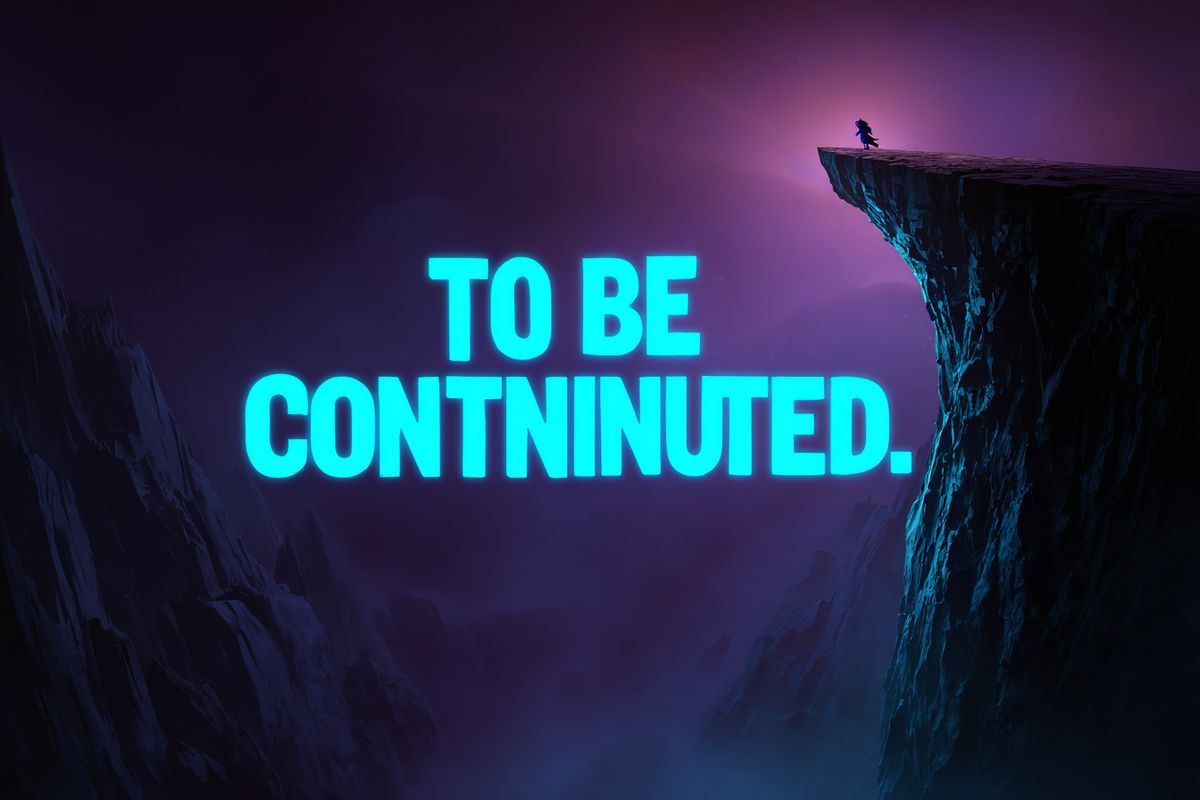
This is counterintuitive. Developers instinctively want to wrap things up neatly, give the player a complete experience, and close with a bow. That instinct will cost you wishlists. Developers who've tested different demo endings report that cliffhanger endings consistently outperform "complete experience" endings in wishlist conversion, sometimes by 2-3x.
The best demos end on a cliffhanger. A door opens to reveal something the player can't explore yet. A new mechanic is introduced that they don't get to use. A story beat raises a question that won't be answered until the full game. The credits roll right after the first boss, and the player is left staring at the screen like the game just whispered "Continue? 9... 8... 7..."
Your end screen should appear at this exact moment. Thank the player. Ask them to wishlist. Point them to your feedback channels and Discord. The emotional momentum of "I want more" is what converts a demo player into a wishlister. Don't let it dissipate by giving them a cool-down period.
Is This Seat Taken nailed this during the February 2025 Next Fest with a simple, warm end screen that appeared right as the demo's story hit its most compelling hook. Nothing aggressive. Just present, at exactly the right moment.
What to Include (and What to Cut)
Your demo is not a vertical slice of your game. It's a curated experience that showcases your strongest content.
Include:
- Your core gameplay loop, fully functional and polished
- Your best visual set piece or moment (the thing that looks amazing in a trailer)
- A clear sense of progression or story momentum
- Your most unique mechanic, the thing that makes your game different from the 2,243 other games in Next Fest
Cut:
- Tutorial sections that run longer than 3 minutes (teach through play, not text walls)
- Systems that aren't ready yet (a half-finished crafting system is worse than no crafting system)
- Content that spoils major story beats
- Anything buggy. Players won't file a report. They'll close the demo and move on.
Some developers build a demo-specific experience that doesn't exist in the full game. A custom starting scenario, a tutorial designed specifically for the demo context, or a curated set of levels that show off variety. This takes more work but can produce a tighter experience than simply slicing the first 30 minutes of your game.
Technical Setup on Steam
Your demo is a separate App ID associated with your base game. This is a technical requirement, not a suggestion. The demo has its own depot, its own build, and its own release checklist.
To create your demo App ID in Steamworks:
- Go to your base game's App Landing Page
- Click "All associated packages, DLC, demos and tools"
- Click "Add Demo"
You'll need to upload a separate build, configure depots, and go through Valve's build review. The review checks that the game runs and matches what you've described. It's not QA. Finding your own bugs is still your job.
One critical detail: after releasing the demo, you need to manually re-publish your base game's store page for the "Download Demo" button to appear. Developers miss this constantly.
Separate Store Page vs. Same Page
Since late 2024, Valve offers two options. You can have your demo live on a separate store page with its own reviews, or simply add a download button to your base game's page.
Zukowski's data from February 2025 shows a roughly 50/50 split in adoption with no meaningful difference in median wishlist performance between the two options.
But the separate page has one significant advantage: reviews. Players can leave reviews on your demo's separate page, and those reviews are some of the most honest feedback you'll ever receive. If the reviews go south, you can pull the separate page and the reviews vanish. Low risk, high information value.
Our recommendation: use the separate store page. Especially if you're participating in Next Fest to test market fit. You want that data. If you need to optimize your store page itself, our Steam page optimization guide covers the details.
Shared Cloud Saves
If your full game is already structured enough to support it, share cloud storage between the demo and the full game. This lets players pick up where they left off when they buy the complete version. It's a small touch that signals professionalism and removes one friction point from the purchase decision.
When to Release Your Demo
This is where most developers make the biggest mistake, and it's the hill that Chris Zukowski has been willing to die on for years: do not launch your demo on Day 1 of Next Fest.
The data is unambiguous. Games that entered the February 2025 Next Fest with fewer than 1,000 wishlists earned a median of 462 wishlists during the event. Not one of them reached Diamond tier. Games entering with 10,000 to 99,999 wishlists earned a median of 6,360.
Next Fest rewards momentum you've already built. It does not create momentum from nothing.
Release your demo weeks or months before the festival. Use smaller events and festivals to beta-test it. Get feedback, fix bugs, polish the experience. Release updates. Build wishlists organically. Then enter Next Fest as the grand finale of your demo marketing campaign, not the opening act.
Here's a timeline that works within the broader indie game marketing timeline:
- 3 to 6 months before Next Fest: Release your demo publicly
- 2 to 4 months before: Participate in smaller festivals (check howtomarketagame.com/festivals for options)
- 1 to 2 months before: Iterate on the demo based on player feedback
- 4 weeks before Next Fest: Submit your polished demo build for Valve's review
- 11 days before: Demo is live for Press Preview
If you can only manage a shorter window, release at minimum two weeks before the fest. This gives you time to catch critical bugs, generate some organic wishlists, and let early players spread the word.
The Press Preview Window
Valve shares the list of participating games with select press outlets 11 days before the fest begins. If your demo is live at that point, journalists can play it and start drafting coverage. If it isn't, you've missed this window entirely.
For the Press Preview to work, your demo needs to be publicly playable. There's no special press-only access. Whatever the public sees is what press sees. So releasing your demo before Press Preview also means real players will start finding it through Steam's normal discovery channels, which starts generating wishlists before the fest even begins.